Hundreds of hand-checked levels
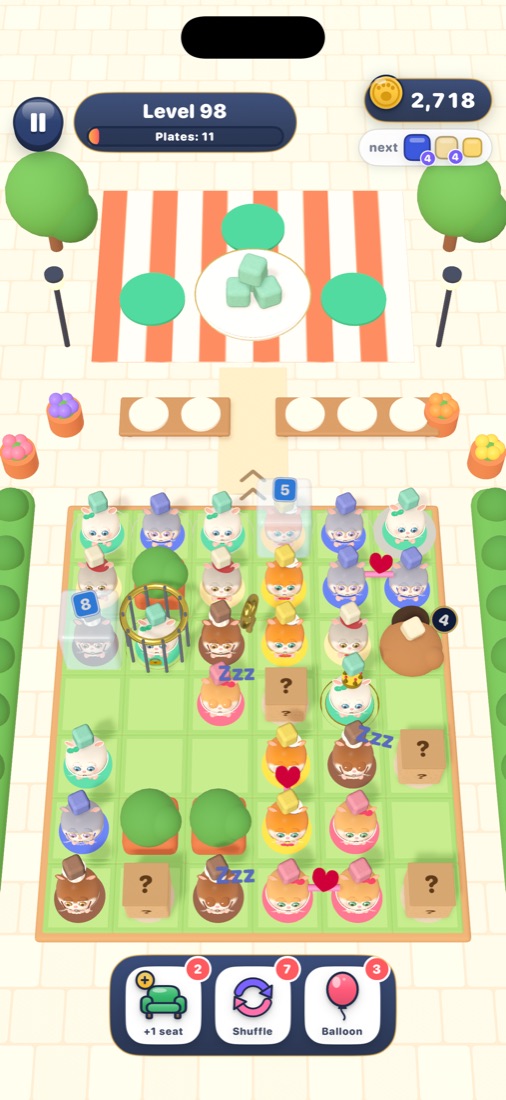
Every level is solvable. Easy to start, cleverly tricky later — sleepy hamsters, ice, keys and cages, lovebirds and VIPs.
 Hamster Jam
Food sort puzzle for iPhone
The hamster gang is starving and the street is jammed! Tap a hamster with a clear path, send it to its favourite dish — and don't let the waiting bench fill up.
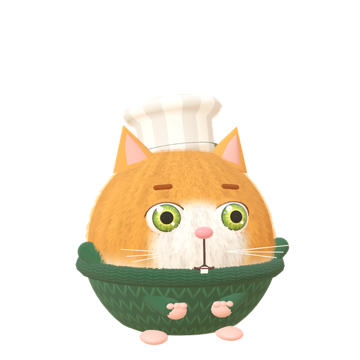
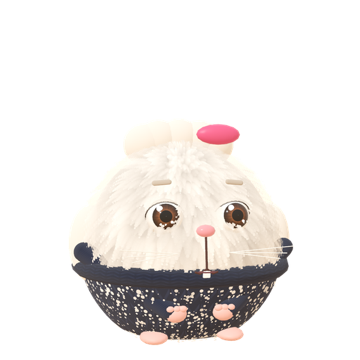
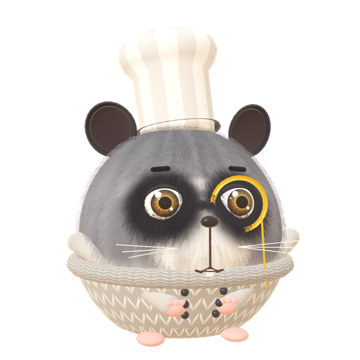
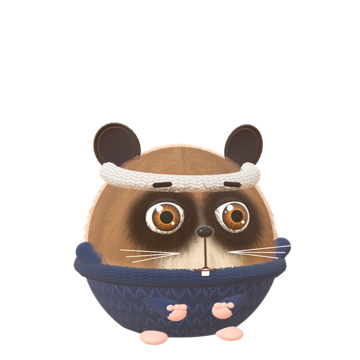
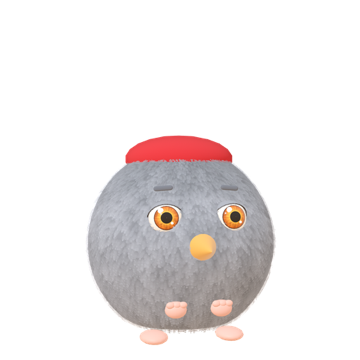
Six hungry heroes, six favourite foods. Tap one to say hi!
Tap a hamster whose path to the plates is clear. Blocked ones just wiggle — free the way first!

Hundreds of levels with sleepyheads, ice blocks, cages and picky VIPs are waiting in the app.
Every level is solvable. Easy to start, cleverly tricky later — sleepy hamsters, ice, keys and cages, lovebirds and VIPs.
Chef hats, pirate bandanas, astronaut helmets… Collect costumes, dress every hero and earn style stars.
Rebuild cozy food trucks and dining halls in Paris, Rome, Tokyo, Mexico City and New York.
An endless queue of hungry hamsters. No lives needed — just beat your best score.
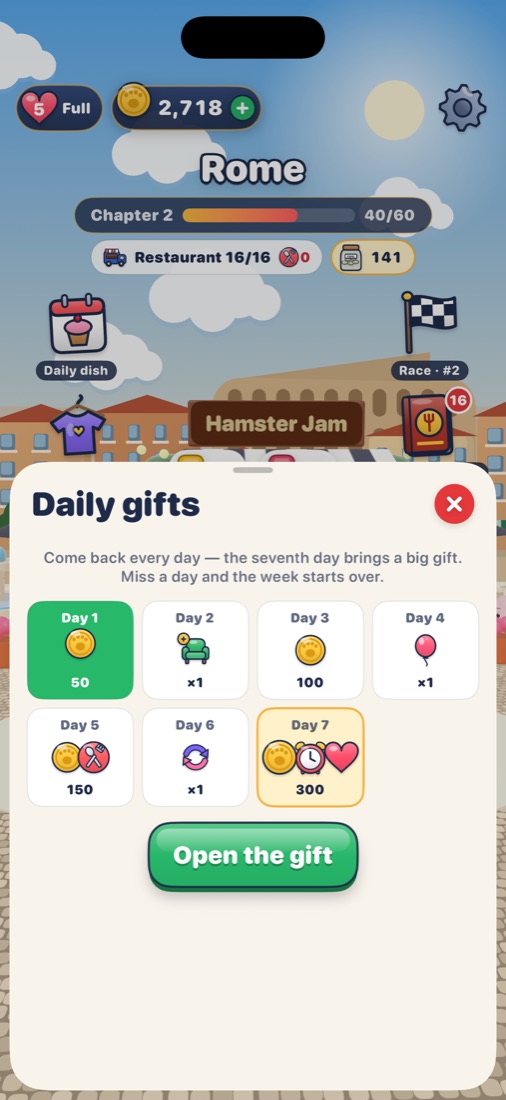
Hamster races, a gastro passport with stamps, daily gifts and a dish of the day.
Plays offline, saves to iCloud, no timers on your fun. Perfect for a coffee break.
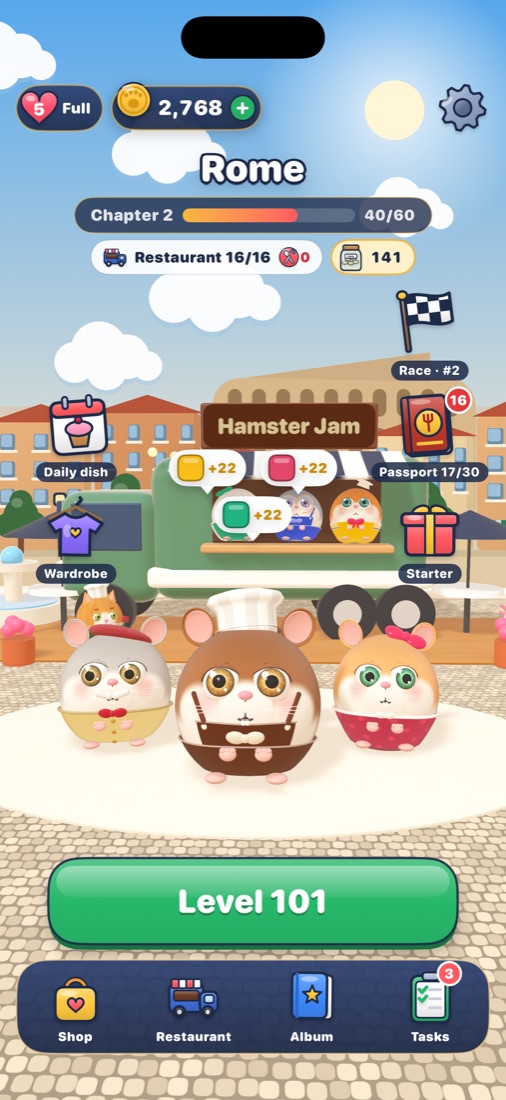
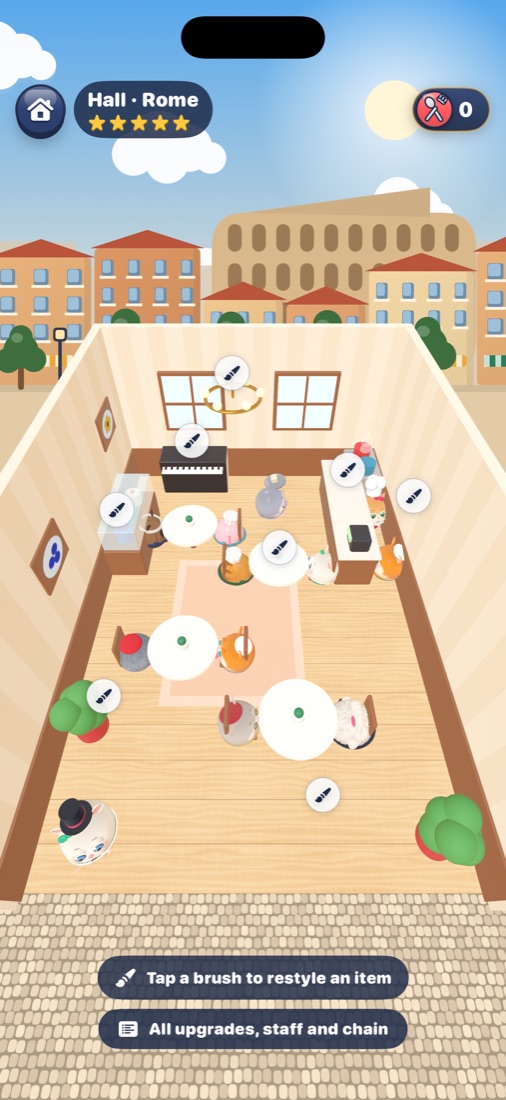
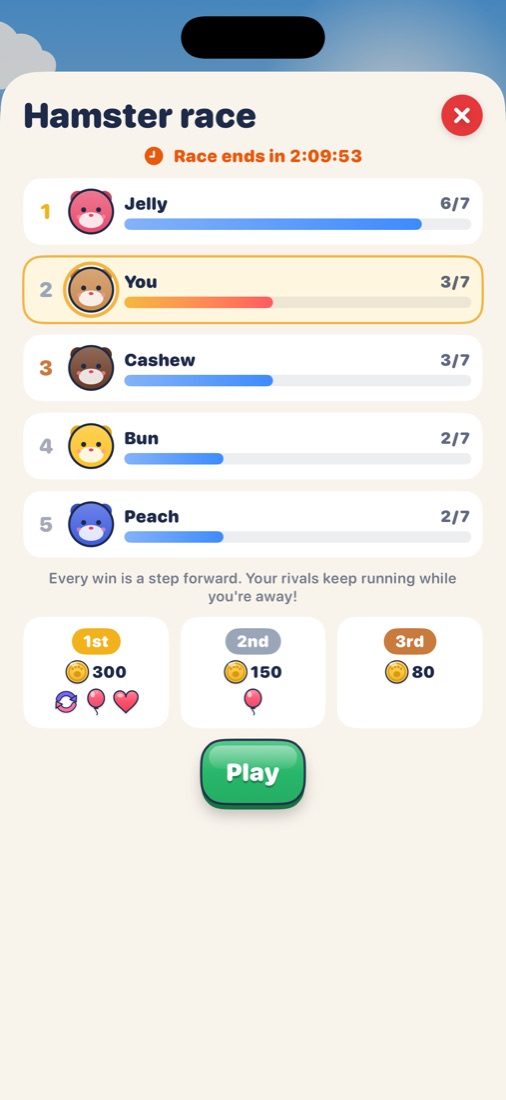
The restaurants attract famous visitors. Who's coming to dinner tonight?

Yes. The whole game is free to play. Optional purchases (coins, helpers, no ads) speed things up but are never required to finish a level.
Yes — levels, free play and the restaurant all work offline. Progress syncs through iCloud when you're back online.
The game is gentle and non-violent, and ads are limited to general-audience content. Purchases are protected by Apple's payment confirmation and Screen Time.
Every level is solvable. Free the hamsters at the edges first, keep an eye on the bench, and use a free shuffle or extra seat when you need a paw.
Open Settings in the game and tap “Restore purchases”. Things bought for good come back automatically on every device with your Apple ID.